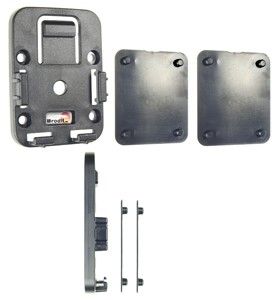
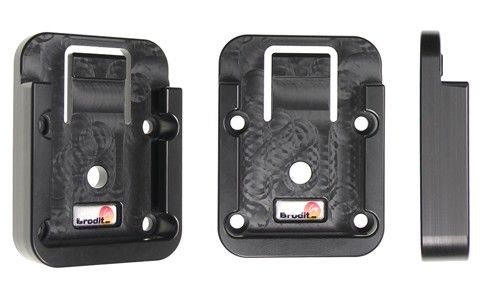
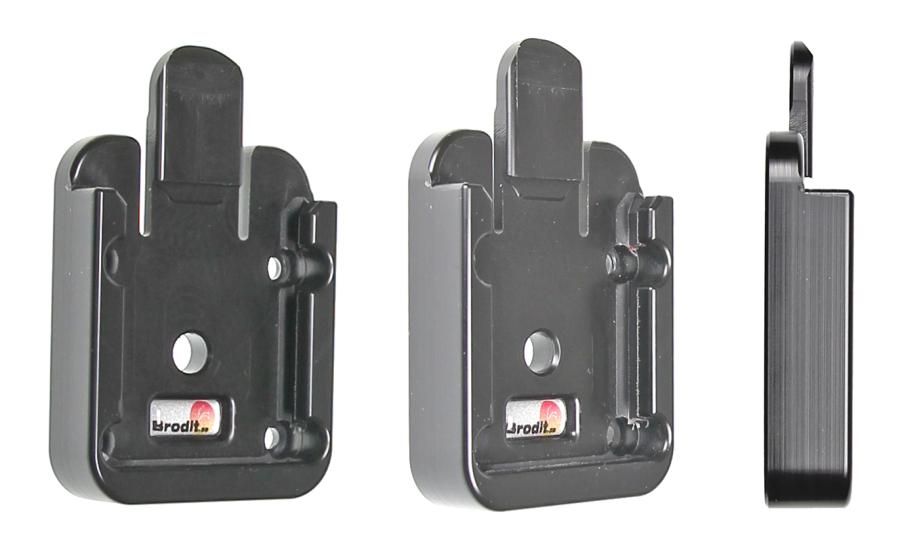
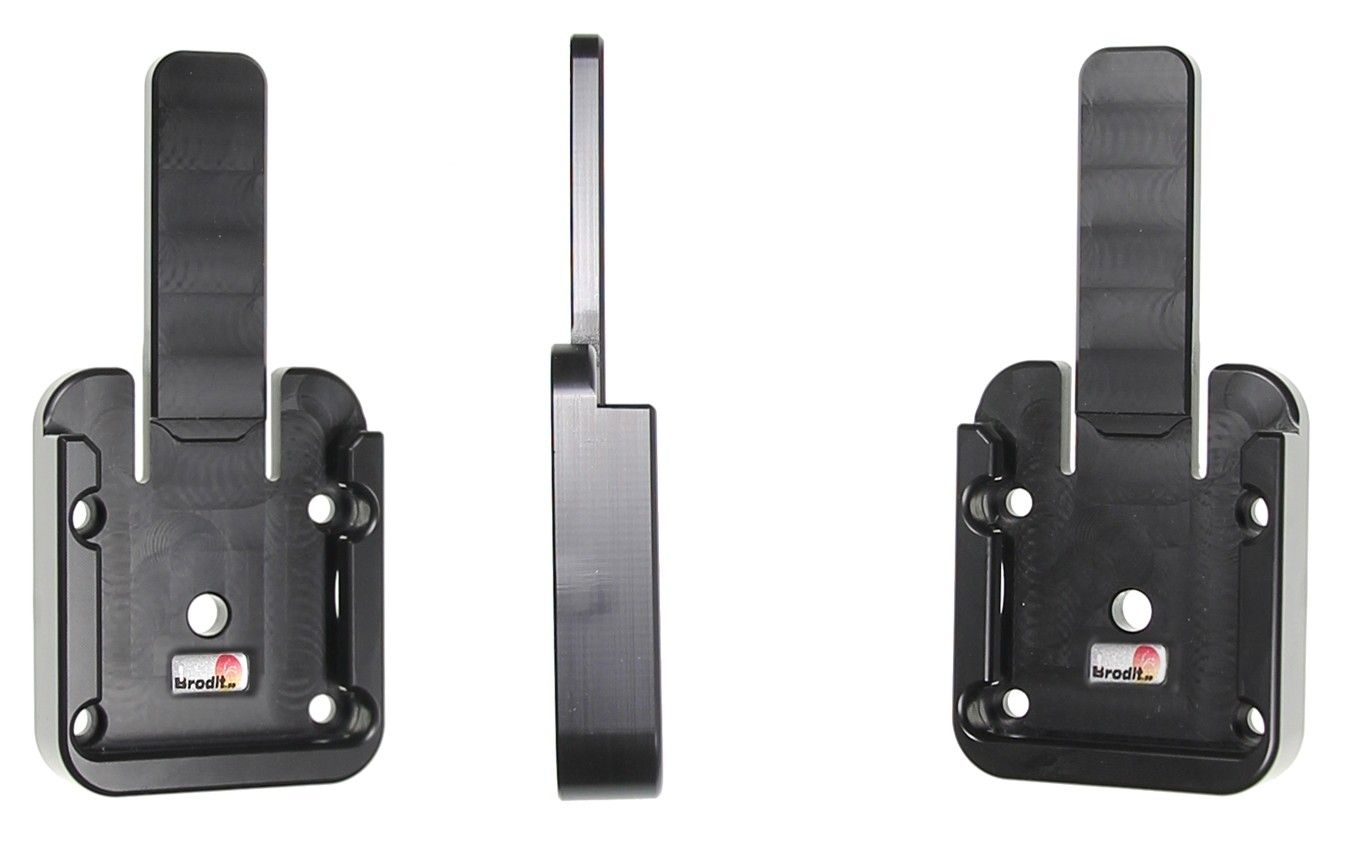
ProClip Ford Galaxy/S-Max 16-22 angled mount NOT for Vignale

article number
855146
In stock
€23.95
-
+
Details
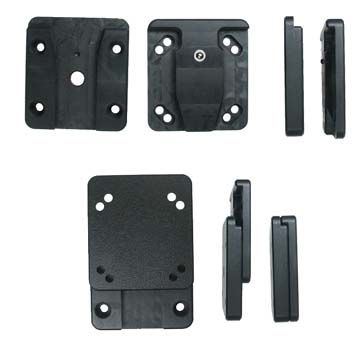
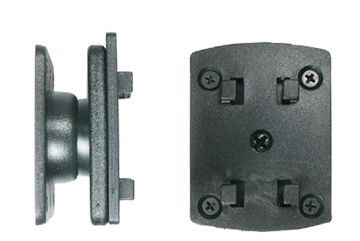
Not for Vignale. The ProClip is a mounting bracket that you attach onto the vehicle’s dashboard. It provides a mounting platform for mobile phones and other devices that you want to have within easy sight and reach in the car. Safe, neat and convenient! The ProClip has a perfect fit, it is custom made for each vehicle to ensure a secure base for installations.   The ProClip is easy to install. The bracket simply snaps into place in gaps in the dashboard, you do not need to drill holes, not use special tools or not dismantle the dashboard. Made in black ABS plastic. Comes with detailed installation instructions. The mounting plate is equipped with predrilled holes which make the installation of equipment on the ProClip easier. The holes suit all Brodit holders and other products with standard holes, the hole pattern constists of one set of AMPS-holes as well as two sets of double-holes placed in different height.  
More Information
More Information
Accessory brand Brodit
Barcode 7320288551463
Recommended retail price incl. VAT 29.95
Type ProClip left hand
Position Middle of dashboard, Right side of dashboard
Color black
Montage standaard AMPS sized, no holes
Product suitable for Proclip
Reviews
Write Your Own Review
You're reviewing:ProClip Ford Galaxy/S-Max 16-22 angled mount NOT for Vignale
Compatibility
Related products
Instruction
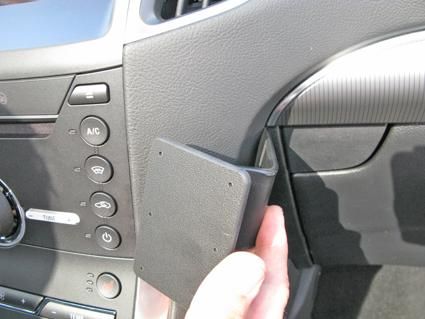
Please read all of the instructions and look at the pictures before installing the ProClip. 1. Use the enclosed alcohol pad to clean the area where the ProClip is to be installed. Remove the adhesive tape cover on the ProClip. Press the s-shaped right side of the ProClip into the gap on the center console side wall.
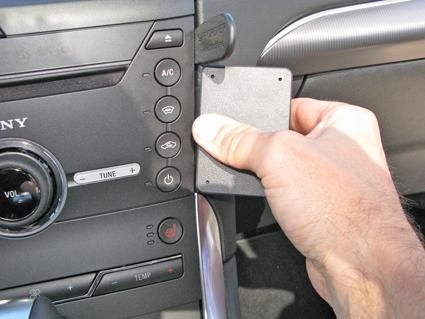
2. Move the ProClip leftward so the right edge of the ProClip goes all the way into gap and hooks behind the panel.
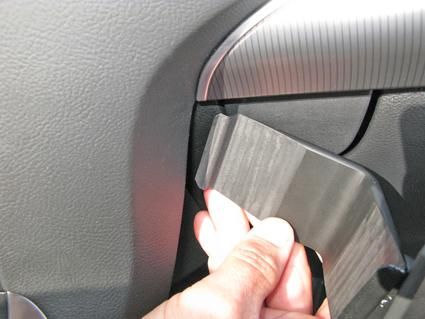
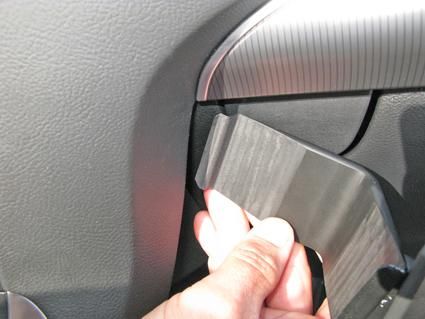
3. Insert the thin end of the enclosed gap opener into the gap between the paneling surrounding the center control panel and the remainder of the center console, to widen the gap. Pull the left side of the ProClip toward you so the angled left edge goes into the gap, below the gap opener. Remove the gap opener.
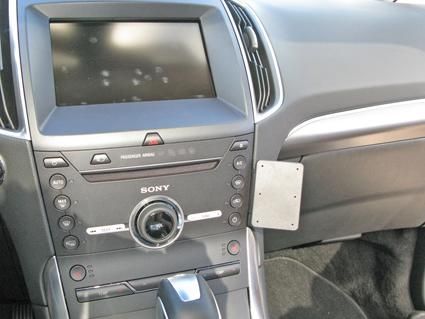
4. The ProClip is in place.

Scroll to top