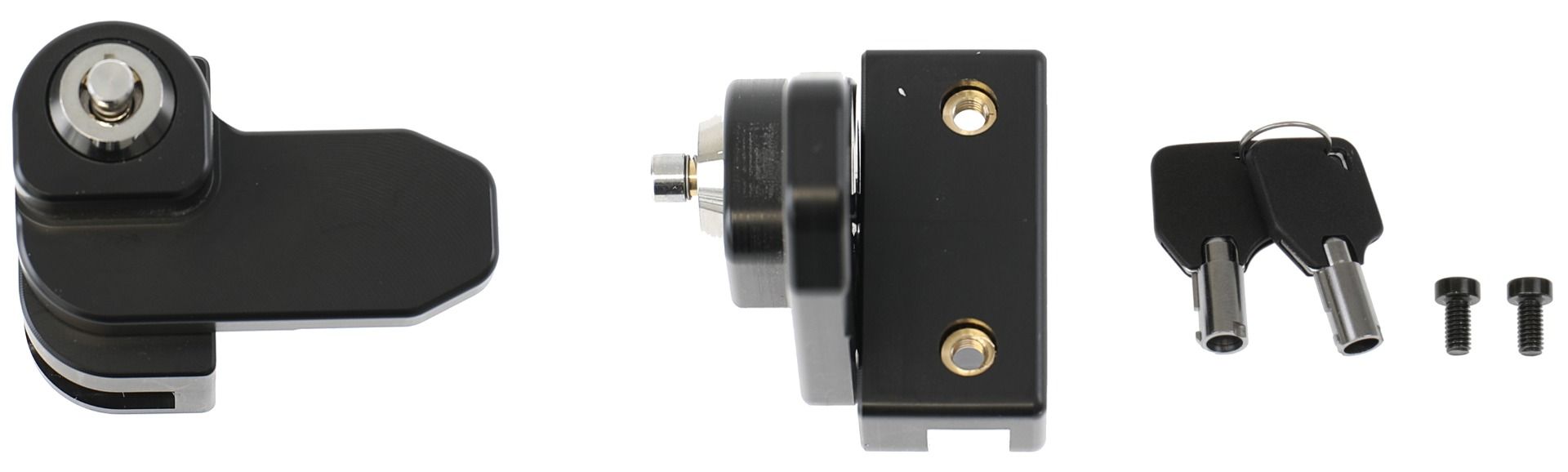
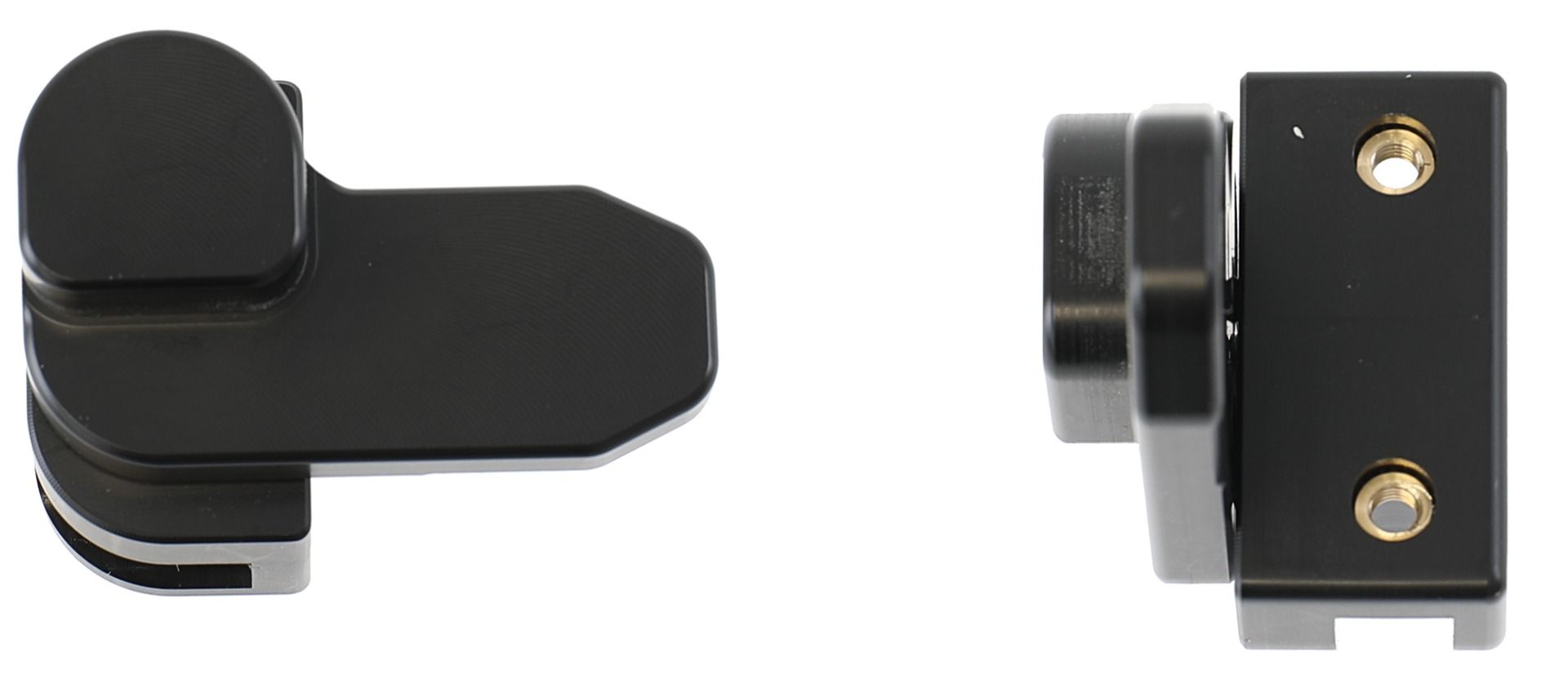
Brodit Active holder Point Mobile TR54 USB cig.plug

article number
721474
Not in stock
€144.95
-
+
Details
Keep your unit's battery fully charged in an active holder, always within easy sight and reach! Neat, discreet and convenient. Custom made with a perfect, firm fit. With USB-C cable with cig-plug adapter, choose to connect either to the vehicle's USB-C outlet or the 12/24V socket. The cig-plug adapter has two USB ports: Type-A and Type-C. You have full access to the camera and all buttons when the device is in the holder. It is easy to slide the device into place in the holder so it connects to the charging, and to take it out of the holder when leaving the car.   The holder is equipped with a tilt swivel so you can easily adjust the angle for better viewing. Tilts 17° and swivels 360°. Mounting plate 42x50 mm with 4 mm AMPS-holes. Made of high grade black ABS/Acetal plastic. Made in Sweden.   An installation of a tablet onto a vehicle’s dashboard is always done on the customer’s own responsibility. Brodit recommends to use tablets on the car’s headrest, installed onto a Brodit headrest mount.
More Information
More Information
Accessory brand Brodit
Barcode 7320287214741
Recommended retail price incl. VAT 144.95
Device with or without cover nee
holder characteristic Toestelspecifiek
Cable / Qi / charger type / connnector usbC + Sig plug
Toestel connector usbC
Input Voltage 12/24V geschikt
Voltage (output) QC - QuickCharge
Montage standaard AMPS, VESA
Device holder lockable? no, optional
Color black
Productinfo Brodit houder
Reviews
Write Your Own Review
You're reviewing:Brodit Active holder Point Mobile TR54 USB cig.plug
Compatibility
Related products
Instruction
Please read all of the instructions and  look at the pictures before attaching the holder.   1. Loosen the screw in the center of the holder so you can remove the tilt swivel attaching plate on the back.  
2. Place the attaching plate onto the desired position. Screw the attaching plate into place with the enclosed screws. Place the holder over the attaching plate so the screw fits in the hole in the tilt swivel. Tighten the screw until the holder is firmly in place, but still can be adjusted.  
3. To place the device in the holder: Place the device over the holder and slide it straight downward into the holder. To remove the device from the holder: Lift the device straight upward, out from the holder.  
4. The holder is in place.  

Scroll to top
