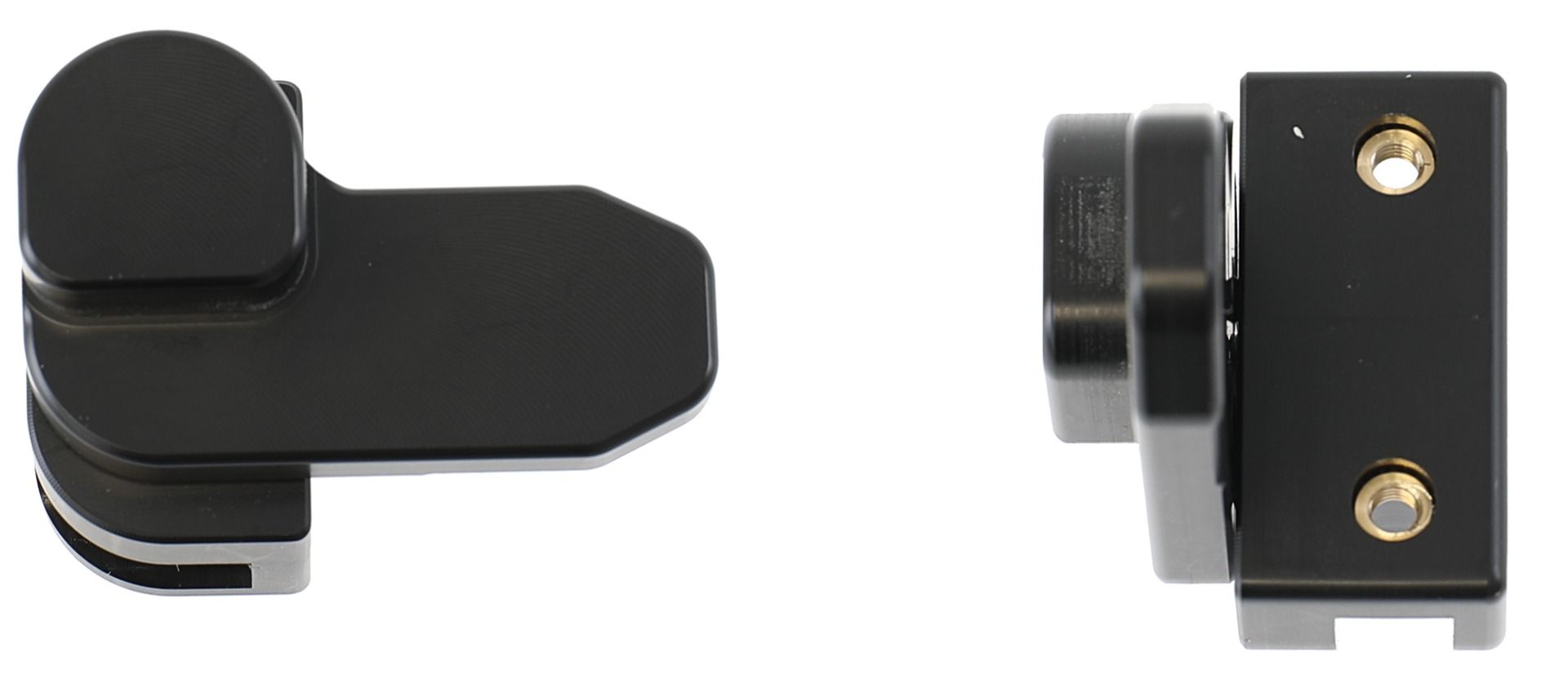
Brodit holder Zebra ET401 10"/keylock/

article number
739467
Not in stock
€110.95
-
+
Details
The Zebra ET401 serie Module Upgrade Cradles from Brodit are designed to withstand frequent wear and tear in professional every day use, providing a more productive working day and better working environment with your device within sight and reach. Safe, efficient and convenient!   This cradle is the perfect choice when you want to have your device sequrely locked in place while easy accessible. The key lock prevents the tablet from being removed by unauthorized personnel, in order to remove the device you will need a key (2 keys included).   The cradle is customized with a perfect fit for. It has a robust design for use in a normal forklift environment. You have full access to the camera,scanner, buttons and ports while docked. Easy one-hand insertion and removal.   Attach the cradle onto any flat surface or Pedestal Mount in a forklift, truck, distribution vehicle, warehouse, table top etc. With 4 mm AMPS and 4 mm VESA 75 standard holes. Made of high grade ABS-, Acetal-plastic. Color: Black. Made in Sweden.   This is a Module Upgrade Cradle, this means that you can upgrade or replace features by using some of the following modules: Item no. 216499 Retention-lock   Choose installation placement with care, devices must not be placed in positions where they may block the view or important controls. The cradle should only be attached onto a suitable place. Installations always take place at the customer's own discretion and responsibility.    
More Information
More Information
Accessory brand Brodit
Recommended retail price incl. VAT 110.95
Device with or without cover nee
holder characteristic Toestelspecifiek
Cable / Qi / charger type / connnector passive
Input Voltage does not apply
Voltage (output) does not apply
Montage standaard AMPS, VESA
Device holder lockable? yes with a lock
Color black
Productinfo Brodit houder
Reviews
Write Your Own Review
You're reviewing:Brodit holder Zebra ET401 10"/keylock/
Compatibility
Related products
Instruction
Please read all of the instructions and look at the pictures before attaching the holder. 1. Place the holder onto the desired position and screw into place with the enclosed screws.
2. Slide the device sideways carefully into the holder. Press the lock sideways onto the left part of the holder. Press the button to lock.
3. Use the enclosed key to open the lock. Remove the lock by slidning it sideways away from the holder. Slide the device sideways out of the holder.
4. The holder is in place. Switch between portrait and landscape mode by turning the holder into desired position.

Scroll to top
